BOINC project screensavers: Difference between revisions
No edit summary |
No edit summary |
||
| Line 8: | Line 8: | ||
__NOTOC__ | __NOTOC__ | ||
One of the distinctive features of early [[BOINC]] projects was the '''project screensaver.''' Many screensavers featured a real-time animated display showing the volunteer's computer actively contributing to science. When a BOINC-attached machine sat idle, the screensaver would launch and visualise the underlying computation: radio telescope signals sweeping across a star field for [[SETI@home]], protein chains folding in three dimensions for [[Rosetta@home]], or a climate model globe spinning for [[ | One of the distinctive features of early [[BOINC]] projects was the '''project screensaver.''' Many screensavers featured a real-time animated display showing the volunteer's computer actively contributing to science. When a BOINC-attached machine sat idle, the screensaver would launch and visualise the underlying computation: radio telescope signals sweeping across a star field for [[SETI@home]], protein chains folding in three dimensions for [[Rosetta@home]], or a climate model globe spinning for [[climateprediction.net]]. | ||
As LCD and OLED monitors replaced phosphor-coated CRTs, the original technical justification for screensavers (preventing phosphor burn-in), became obsolete. BOINC projects gradually stopped shipping screensaver graphics. The gallery below preserves recordings of every known BOINC project screensaver. Click any '''▶''' link to watch the YouTube recording; where an animated GIF exists on [[Wikimedia Commons]], it appears in the left column. | As LCD and OLED monitors replaced phosphor-coated CRTs, the original technical justification for screensavers (preventing phosphor burn-in), became obsolete. BOINC projects gradually stopped shipping screensaver graphics. The gallery below preserves recordings of every known BOINC project screensaver. Click any '''▶''' link to watch the YouTube recording; where an animated GIF exists on [[Wikimedia Commons]], it appears in the left column. | ||
Revision as of 00:14, 17 June 2026
One of the distinctive features of early BOINC projects was the project screensaver. Many screensavers featured a real-time animated display showing the volunteer's computer actively contributing to science. When a BOINC-attached machine sat idle, the screensaver would launch and visualise the underlying computation: radio telescope signals sweeping across a star field for SETI@home, protein chains folding in three dimensions for Rosetta@home, or a climate model globe spinning for climateprediction.net.
As LCD and OLED monitors replaced phosphor-coated CRTs, the original technical justification for screensavers (preventing phosphor burn-in), became obsolete. BOINC projects gradually stopped shipping screensaver graphics. The gallery below preserves recordings of every known BOINC project screensaver. Click any ▶ link to watch the YouTube recording; where an animated GIF exists on Wikimedia Commons, it appears in the left column.
Full Playlist
The complete collection of 71 BOINC screensaver recordings is available as a YouTube playlist. Use the player below to browse all videos, or jump to individual project entries in the gallery beneath it.
Screensaver Gallery
| Animated GIF | YouTube recording(s) | Project | Notes |
|---|---|---|---|

|
|
SETI@home Astronomy / SETI |
Flagship BOINC screensaver. Features a custom background and logo that were available options. Displays a rotating 3D star field with a sweeping radio-telescope signal trace, frequency spectrum, and spike indicator. Ran from 2002 until the project entered hibernation in March 2020. |

|
|
SETI@home Beta Astronomy / SETI |
Beta test environment for SETI@home and AstroPulse. Volunteers stress-tested new algorithms and GPU-optimised work units before deployment to the main project. |

|
|
AstroPulse Astronomy / SETI |
Searched for dispersed radio pulses potentially indicative of primordial black holes, pulsars, or ETI signals. Shares visual DNA with SETI@home but emphasises the wide-band de-dispersion pipeline. |

|
|
Einstein@Home Astrophysics / Gravitational waves |
Renders a real-time 3D celestial sphere ('Gravity Surfer') showing the sky position being searched for continuous gravitational-wave signals and radio pulsars. Still active as of 2026. |

|
|
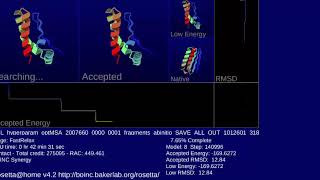
Rosetta@home Biochemistry / Protein folding |
Visualises protein structure prediction in real time using a 3D molecular renderer. Chains of amino acids fold and rotate as the work unit progresses. Run by the Baker Lab at the University of Washington. |
| — | 
|
RALPH@home Biochemistry / Protein folding |
Pre-production test project for Rosetta@home. Used the same protein-folding screensaver as the Rosetta Beta application. |

|
|
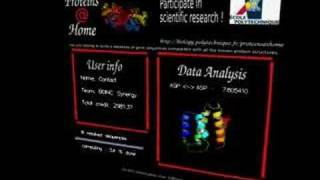
proteins@home Biochemistry / Protein folding |
An early protein structure prediction project. The screensaver displayed evolving protein geometry using the Boinc Xplor visualiser. |

|
|
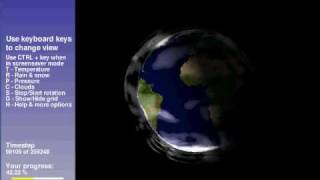
climateprediction.net Climate science |
Displays an animated global climate model: a spinning Earth overlaid with colour-coded temperature anomaly, cloud cover, and atmospheric flow vectors. One of the oldest continuous BOINC projects (launched 2003), still active. |

|
|
LHC@home Particle physics |
Run by CERN to simulate particle beam trajectories in the Large Hadron Collider. The screensaver renders a schematic of the LHC ring with animated beam paths. Still active. |

|
|
PrimeGrid Mathematics / Number theory |
Searches for large prime numbers and prime constellations. One of the largest and longest-running BOINC projects; still active. |

|
|
QMC@Home Chemistry / Quantum chemistry |
Ran Quantum Monte Carlo calculations for molecular electronic structure — among the most computationally demanding methods in theoretical chemistry. Currently inactive. |

|
|
Spinhenge@home Physics / Molecular magnetism |
Simulated quantum spin dynamics of single-molecule magnets. The screensaver rendered molecular structures rotating in a magnetic field. Ran approximately 2006–2008. |

|
|
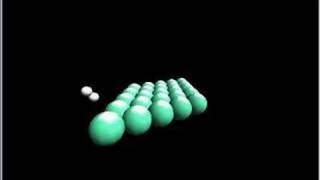
Leiden Classical Chemistry / Astrochemistry |
Simulated classical molecular dynamics on interstellar dust grain surfaces to model the formation of molecules such as water and methanol in space. Ran approximately 2007–2011. |

|
|
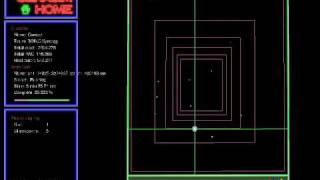
Gerasim@home Mathematics / Combinatorics |
A Russian volunteer computing project solving combinatorial problems including the study of Latin squares and similar discrete structures. |

|
|
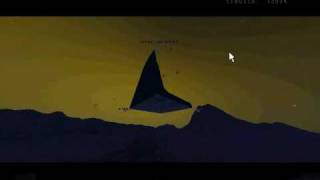
Malariacontrol.net Epidemiology / Public health |
Ran stochastic simulations of malaria transmission dynamics in sub-Saharan Africa to evaluate cost-effectiveness of intervention strategies. Concluded around 2015. |

|
|
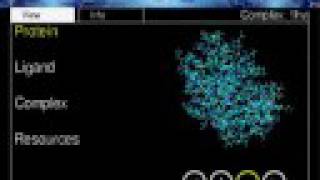
Docking@Home Biochemistry / Drug discovery |
Performed molecular docking simulations — fitting drug-like molecules into target protein binding sites to identify drug candidates. Ran approximately 2006–2012. |

|
|
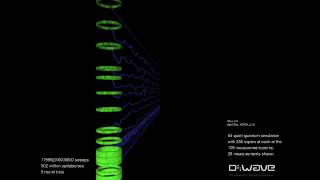
AQUA@home Physics / Quantum computing |
Run by D-Wave Systems to help design and verify quantum annealing processors. Simulated quantum annealing on classical hardware to test future D-Wave chip architectures. Ran approximately 2008–2013. |

|
|
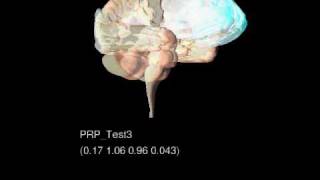
MindModeling@home Cognitive science |
Applied cognitive architecture models (ACT-R and PRIMs) to simulate human thought processes. Run by Wright State University and the University of Dayton. Ran approximately 2009–2016. |

|
|
Ibercivis Physics / Nuclear fusion |
A Spanish–French initiative supporting plasma physics simulations related to nuclear fusion research. Ran approximately 2008–2013. |
| — | 
|
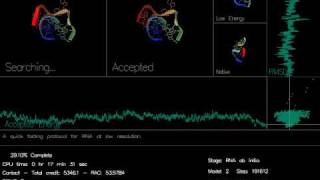
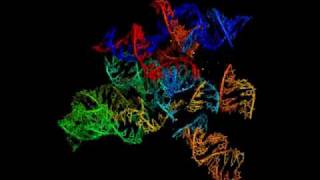
RNA World (beta) Biology / RNA research |
Searched for functional RNA molecules using the cmsearch algorithm from the Infernal software package. |
| — | 
|
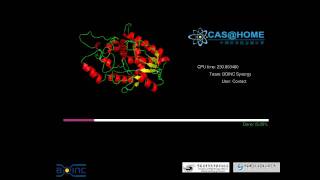
CAS@home Biochemistry / Protein threading |
Run by the Chinese Academy of Sciences to perform protein structure prediction using short-cut threading methods. |
| — | 
|
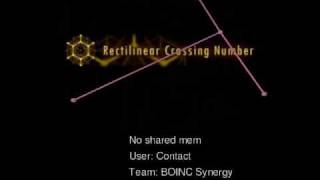
Rectilinear Crossing Number Project Mathematics / Graph theory |
Computed the rectilinear crossing number of complete graphs — the minimum number of edge crossings in a straight-line drawing. Two screensaver versions archived. |

|
|
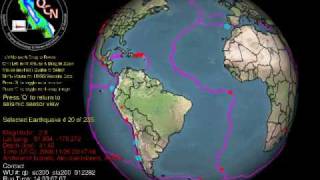
Quake-Catcher Network Geophysics / Seismology |
Used laptop accelerometers and USB sensors as a distributed seismograph network. The screensaver displayed a live seismogram trace from the volunteer's own sensor. A joint project of Stanford and UC Riverside. |
| — | 
|
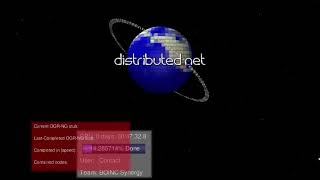
Cels@Home Biology / Cell simulation |
One of the rarer BOINC project screensavers. Cels@Home was an early project focused on biological cell simulation. |
| — | 
|
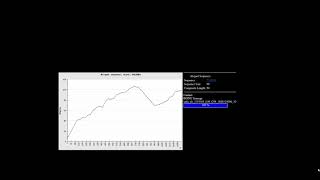
Yoyo@home Mathematics / Various |
A wrapper project running multiple mathematical applications including OGR (Optimal Golomb Ruler search), evolution simulation, and muon physics calculations. Still active. |
| — | 
|
YAFU Mathematics / Integer factorisation |
Yet Another Factorisation Utility — a BOINC wrapper running YAFU to factor large integers, particularly small composites. |
| — | 
|
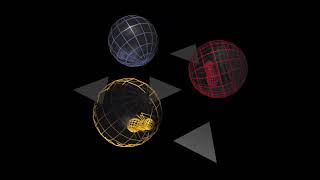
Volunteer@home Test / Example |
A test project running a generic example BOINC application. |

|
|
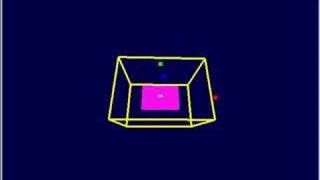
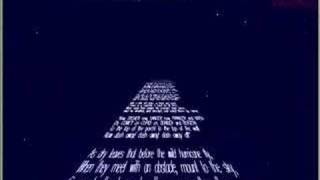
Pirates@Home Developement |
Contributed to Einstein@Home's screensaver developement. Produced more screensaver variants than any other BOINC project, spanning multiple themes (Lalane/Lalanne, Scroll, Sextant, Cube, Starboard) across versions 3.x–6.x. |

|
|
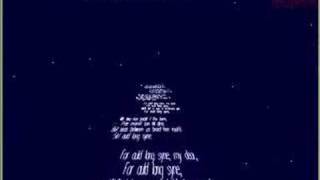
Primates@Home Playing around |
The Starboard screensaver variant echoes the Pirates@Home fun atmosphere with secret messages |

|
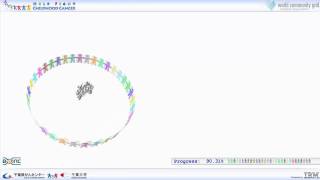
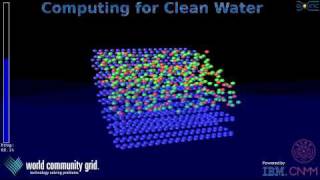
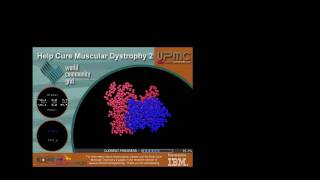
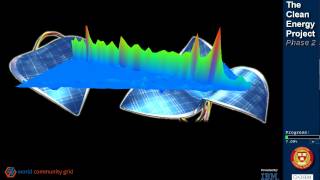
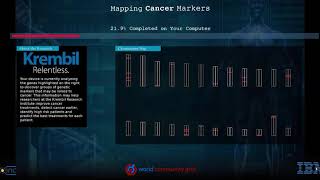
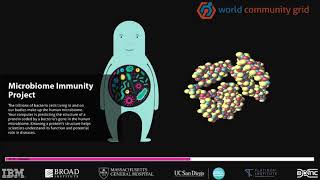
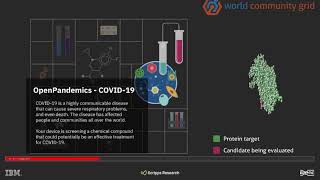
▶ Human Proteome Folding–Phase 2 6.17 ▶ Help Fight Childhood Cancer 6.11 ▶ Computing for Clean Water 6.13 ▶ Help Cure Muscular Dystrophy 2 6.14 ▶ The Clean Energy Project–Phase 2 ▶ Mapping Cancer Markers v7.41 ▶ Microbiome Immunity Project v7.16 ▶ Open Pandemics COVID-19 v7.17 ▶ Krembil – Open Pandemics COVID-19 ▶ Krembil – Mapping Cancer Markers |
World Community Grid Multiple projects. IBM/Krembil hosted |
Formerly IBM and now Krembil Institute-sponsored grid running multiple humanitarian research sub-projects on a shared BOINC platform. Each sub-project had its own screensaver variant, all archived here. |
| — | 
|
BOINC Infrastructure / Alpha testing |
The BOINC alpha test project screensaver, used to test screensaver infrastructure on pre-release BOINC client builds. |
| — | 
|
BOINC test project Infrastructure / Testing |
Generic BOINC test project screensaver used for client validation. |
| — | 
|
BOINC Infrastructure |
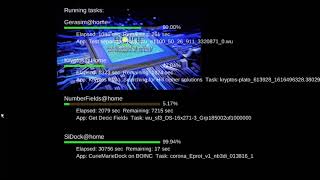
The built-in BOINC overview screensaver shown when no project graphics application is available. Displays BOINC status, project list, and credit totals. |
| — | 
|
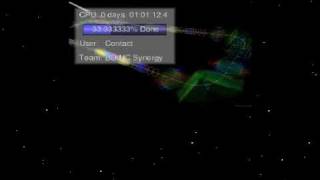
BOINC Synergy Custom / Community |
A custom screensaver built for Windows XP, 7 and 10 that replaces the generic BOINC logo with BOINC Synergy branding. Two versions archived. |
| — | 
|
BOINC processing for science Screensaver Promotional |
A promotional screensaver recording showing BOINC processing across multiple projects. |


Adding new entries
To add a screensaver not yet listed:
- Upload an animated GIF to Wikimedia Commons with a descriptive filename and tag it with
{{Free screenshot}}and the appropriate licence template. - Upload a screen recording to the BOINC Screensavers YouTube playlist.
- Add a new row to the gallery table following the existing pattern. The YouTube thumbnail image URL format is

Technical background
How BOINC screensavers worked
The BOINC client on Windows and macOS registers itself as a system screensaver. When the machine idles, the BOINC screensaver coordinator launches and cycles between two display modes:
- Overview screensaver — a built-in BOINC display showing project list, credit totals, and connection status.
- Project graphics — a separate OpenGL executable shipped by each project, rendering the computation in real time via shared memory with the work unit.
Not all projects shipped graphics applications. Projects without one fell back to the overview screensaver. The graphics application literally showed the live computation in progress, which distinguished BOINC from most other screensaver-based volunteer computing platforms of the era.
Preservation
By the early 2010s, project screensavers were already disappearing: projects closed, graphics executables were dropped from client packages, and 32-bit OpenGL dependencies became incompatible with modern operating systems. Some recordings required virtual machines running Windows XP or Windows 7 to launch executables that no longer run on current systems. Animated GIF versions on Wikimedia Commons are limited to 256 colours; the YouTube recordings are the highest-fidelity versions available.
See also
- BOINC the volunteer computing platform underlying all projects on this wiki
- BOINC Manager the desktop client that hosted the screensaver coordinator
- BOINC projects the complete list of all BOINC projects